Key Takeaways:
- Quillbot helps me rephrase content without losing my voice
- I use it to write blogs, emails, and affiliate content faster
- It’s especially useful when I’m stuck or short on time
- Perfect for bloggers, students, marketers, and side hustlers
- Try the free paraphrasing tool here: https://irvmcpringle.com/make-it-human
Writing good content takes time—and when you’re juggling blogs, client work, and all the other parts of life, time is the one thing you never have enough of. That’s why I started using Quillbot.
At first, I thought it was just another AI writing gimmick. But it turns out, Quillbot is the real deal—especially if you want to write better and faster without sounding like a robot.
What Quillbot Actually Does (In Real Life)
Quillbot is best known for its AI-powered paraphrasing tool—and that’s what I use it for the most. It’s like having a smart assistant that helps rewrite your content, fix awkward phrasing, and improve tone without changing your meaning.
Here’s what I use it for:
- Rewriting clunky sentences
- Making blog intros and CTAs sound smoother
- Changing tone (casual, formal, academic, etc.)
- Getting unstuck when something sounds “off”
You can plug your content right into Quillbot’s web app or use it inside Google Docs or with the Chrome extension. It’s super intuitive.
My Workflow with Quillbot
Here’s how I personally use it:
- I write a first draft in my voice
- I copy a section and paste it into Quillbot
- I hit the Fluency or Formal mode to see alternatives
- I grab what works and keep going
- Done
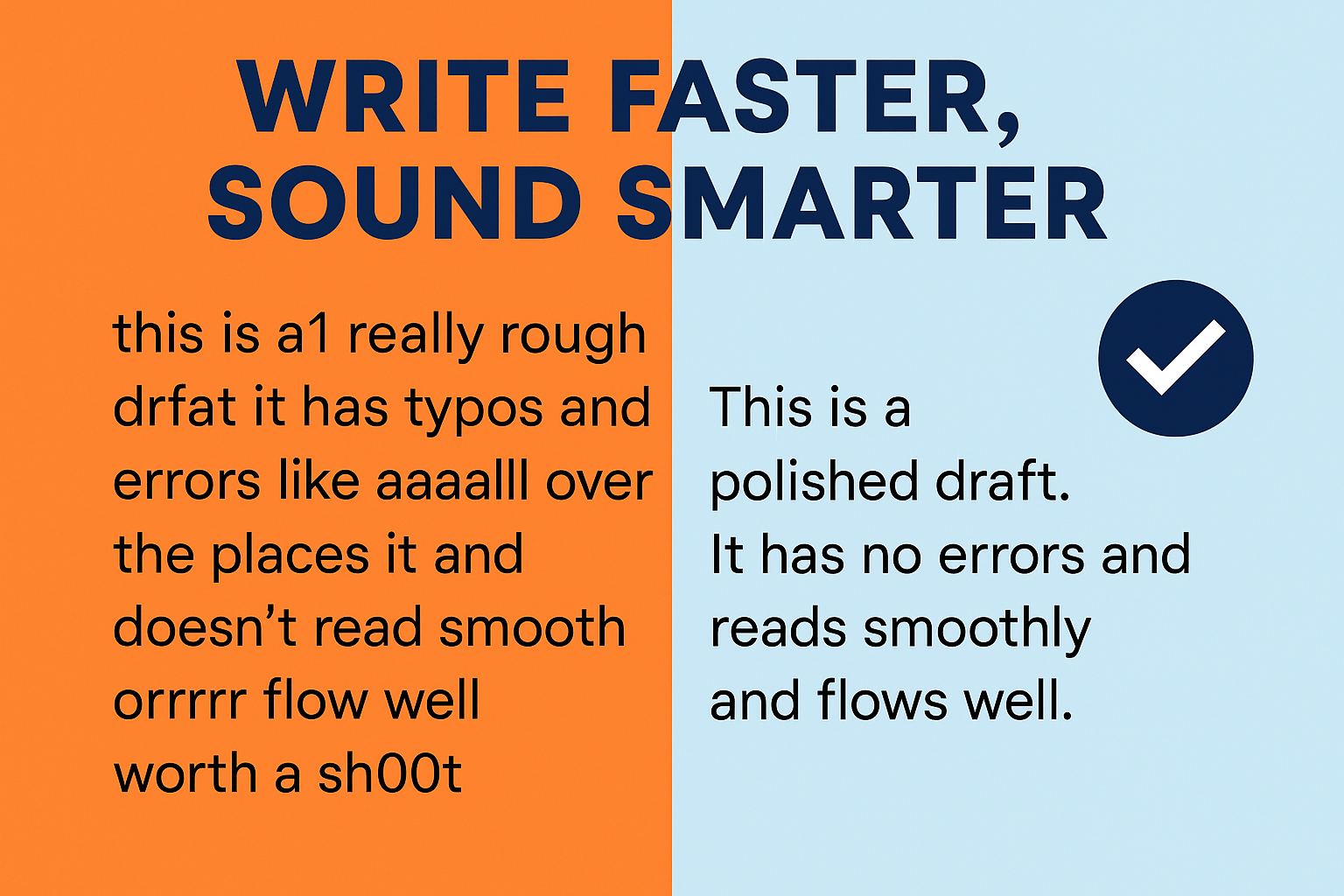
A Quick Example:
Before:
This tool can help make writing quicker and possibly better, though it depends on the content.
After Quillbot (Fluency mode):
This tool helps speed up writing while improving quality, depending on the content.
Cleaner, tighter, and still sounds like me.
Who Should Use Quillbot?
Honestly? Just about anyone who writes. But it’s especially helpful for:
- Bloggers who want to post faster
- Students trying to improve clarity
- Side hustlers juggling content creation
- Marketers looking to refine copy
- Non-native English speakers working on tone and polish
Even if you’re confident in your writing, Quillbot helps speed up the editing process—and that’s a big win.
Why I Recommend It (and How to Try It)
This post contains an affiliate link. If you try Quillbot through my link, I may earn a small commission—at no extra cost to you. I only recommend tools I personally use and trust.
I didn’t start out as an affiliate—I started out as a tired writer looking for something that worked. Once I saw how much time it saved me and how good the rewording sounded, I was in.
Now I use Quillbot almost daily.
👉 You can try the paraphrasing tool free right here:
irvmcpringle.com/make-it-human
It’s a great way to see if this tool fits your writing style—and if you sign up through that link, I may earn a small commission (at no cost to you).
Final Thoughts
Writing doesn’t have to be slow or painful. If you’re looking to cut down on editing time, make your copy sound more natural, or just want a tool to help you write smarter—Quillbot is worth checking out.
👉 irvmcpringle.com/make-it-human
And if this tip helped you, follow the Irv McPringle Content Engine for more helpful tools, tips, and content that saves time and earns money.
Frequently Asked Questions about Quillbot
What is Quillbot used for?
Quillbot is an AI-powered writing tool designed to help you paraphrase, rewrite, and polish your content. It’s ideal for blog posts, essays, emails, and more.
Is Quillbot free to use?
Yes, Quillbot offers a free version with basic features. You can try the paraphrasing tool for free at irvmcpringle.com/make-it-human.
Does Quillbot change the meaning of your writing?
No, Quillbot is designed to preserve the original meaning while improving sentence structure, clarity, and tone. You still stay in control of the message.
Who should use Quillbot?
Bloggers, students, marketers, content creators, and non-native English writers can all benefit from using Quillbot to write faster and more clearly.
Is Quillbot worth paying for?
If you write often or manage multiple content projects like I do, the premium version is well worth it. It unlocks faster processing, additional modes, and higher word limits.
<script type="application/ld+json">
{
  "@context": "https://schema.org",
  "@type": "FAQPage",
  "mainEntity": [
    {
      "@type": "Question",
      "name": "What is Quillbot used for?",
      "acceptedAnswer": {
        "@type": "Answer",
        "text": "Quillbot is an AI-powered writing tool designed to help you paraphrase, rewrite, and polish your content. It’s ideal for blog posts, essays, emails, and more."
      }
    },
    {
      "@type": "Question",
      "name": "Is Quillbot free to use?",
      "acceptedAnswer": {
        "@type": "Answer",
        "text": "Yes, Quillbot offers a free version with basic features. You can try the paraphrasing tool for free at irvmcpringle.com/make-it-human."
      }
    },
    {
      "@type": "Question",
      "name": "Does Quillbot change the meaning of your writing?",
      "acceptedAnswer": {
        "@type": "Answer",
        "text": "No, Quillbot is designed to preserve the original meaning while improving sentence structure, clarity, and tone."
      }
    },
    {
      "@type": "Question",
      "name": "Who should use Quillbot?",
      "acceptedAnswer": {
        "@type": "Answer",
        "text": "Bloggers, students, marketers, content creators, and non-native English writers can all benefit from using Quillbot to write faster and more clearly."
      }
    },
    {
      "@type": "Question",
      "name": "Is Quillbot worth paying for?",
      "acceptedAnswer": {
        "@type": "Answer",
        "text": "If you write often or manage multiple content projects, the premium version is worth it. It unlocks faster processing, additional modes, and higher word limits."
      }
    }
  ]
}
</script>

<script type="application/ld+json">
{
  "@context": "https://schema.org",
  "@type": "Article",
  "headline": "How I Use Quillbot to Write Faster, Smarter, and Still Sound Like Me",
  "description": "Quillbot helps you write better, faster, and more naturally. Here's how I use it in my daily content workflow and why I recommend it.",
  "author": {
    "@type": "Person",
    "name": "Irv McPringle"
  },
  "publisher": {
    "@type": "Organization",
    "name": "Irv McPringle Content Engine",
    "logo": {
      "@type": "ImageObject",
      "url": "https://irvmcpringle.com/wp-content/uploads/2025/06/Quillbot-cleans-up-messy-writing.png"
    }
  },
  "image": "https://irvmcpringle.com/wp-content/uploads/2025/06/Quillbot-cleans-up-messy-writing.png",
  "datePublished": "2025-06-15",
  "dateModified": "2025-06-15",
  "mainEntityOfPage": {
    "@type": "WebPage",
    "@id": "https://irvmcpringle.com/2025/06/15/how-i-use-quillbot-to-write-faster-smarter-and-still-sound-like-me/"
  }
}
</script>